Calendar
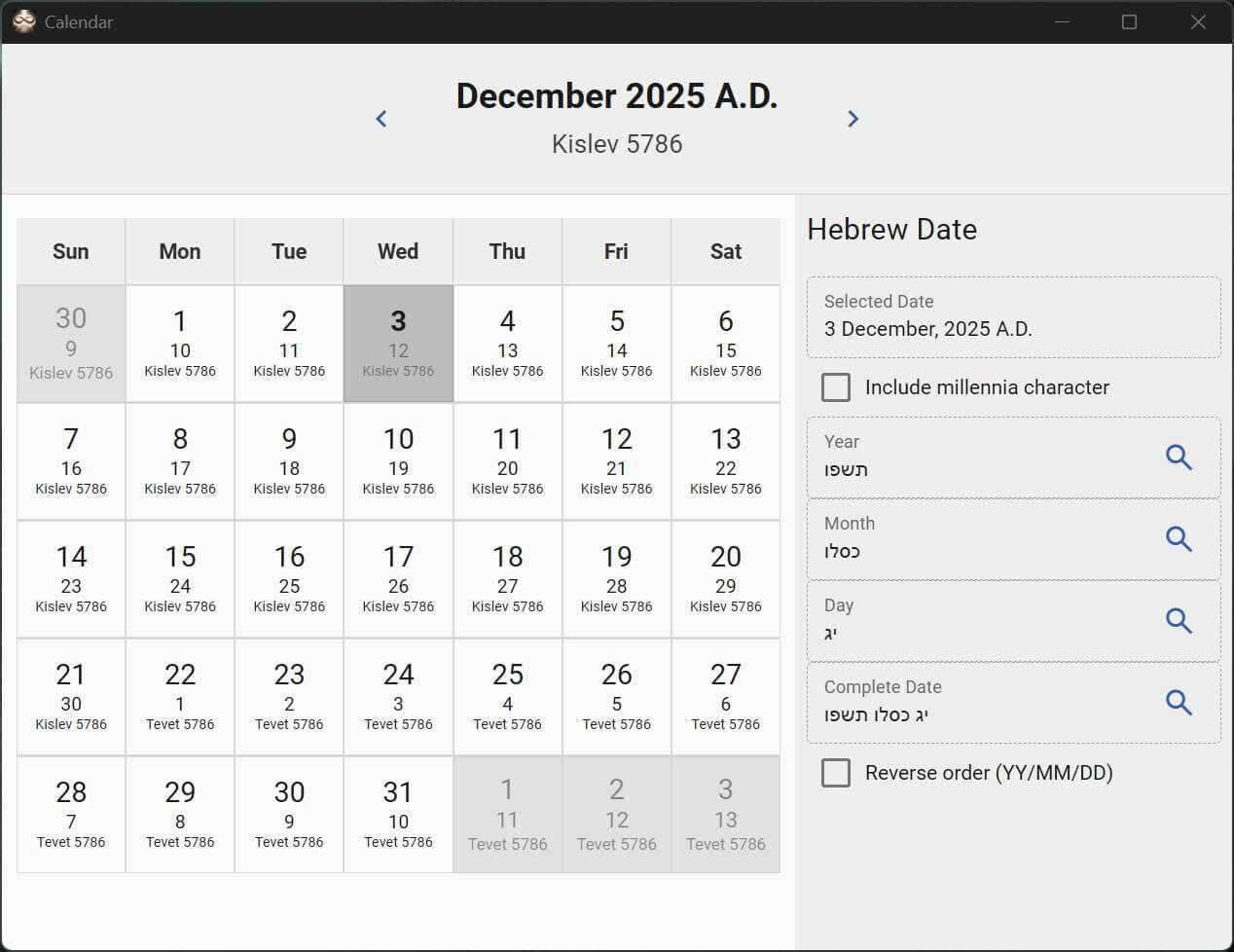
The calendar converts between Gregorian and Hebrew calendar dates with their associated spelling. Use the search icon to insert the date into the Identify Terms "User Input" search or the primary search input.
Clicking on the Gregorian or Hebrew date at the top header will open a year and month picker for quick navigation. When the Hebrew picker is open, the numeric date can be typed directly for quicker navigation if moving through several years at once is needed.
Years are searched within extensions in addition to the standard dictionaries. The Identify Terms tool contains a designated search tool specifically for years to aid in searching time ranges.